Yes — DeskRest is safe to install. The app has been on the Mac App Store since September 2025, where builds go through Apple’s review; the direct .dmg ships from the developer’s public GitHub release channel, where every version and its notes are inspectable; and the developer is publicly identified with a legal imprint in Germany. Everything below is the evidence behind that one-line answer, so you can check it yourself.
Who makes it
The app is built by Marcel Hagmann, an independent developer in Vöhrenbach, Germany, who publishes a legal imprint with a real name and address — rare transparency for a small utility. The origin story is public too: the project started after the developer’s own back gave out, told first-hand on r/apple. Releases ship in the open through a public GitHub channel every few weeks — v1.19.1 landed in May 2026.
Why “deskrest virus” shows up in search
Two boring reasons. First, autocomplete: people reflexively search “appname virus” for any app they haven’t heard of, so the suggestion shows up in every market we’ve checked — whether or not anyone found anything. Second — and this is the risk actually worth guarding against — installers from third-party download portals rather than official channels. Files named deskrest.exe are a giveaway: there is no Windows version at all (details here), so anything with that name is someone else’s code wearing the brand.
The privacy picture
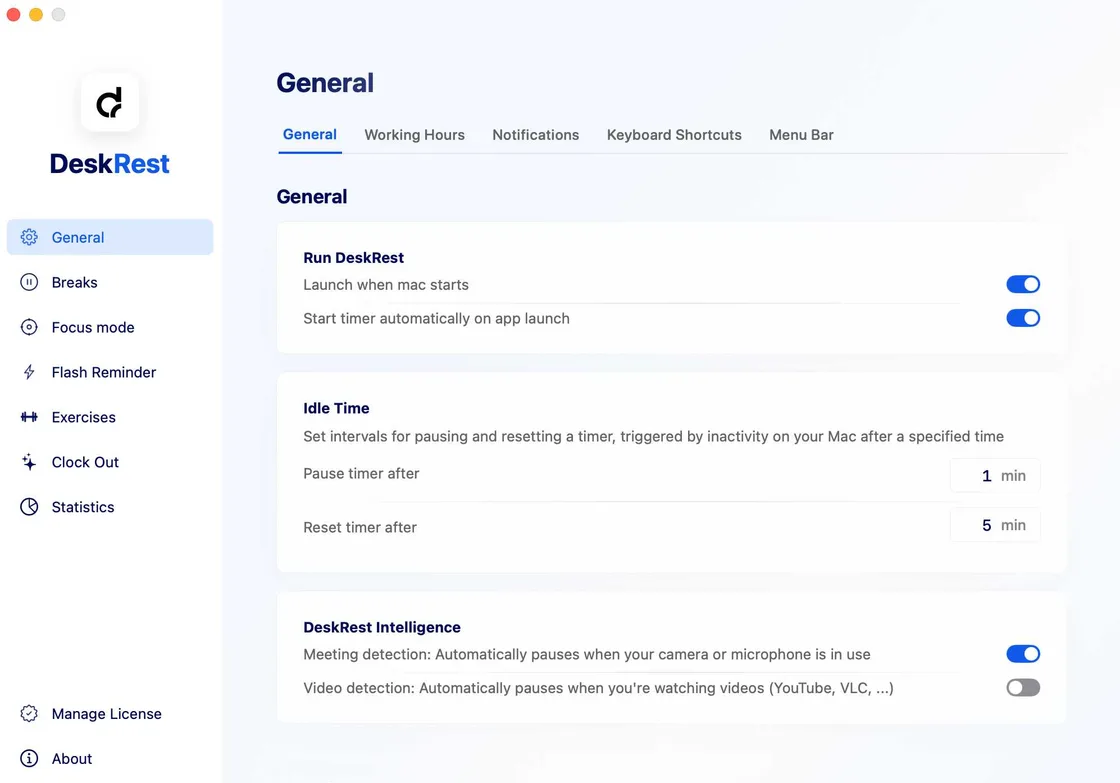
The developer has published a dedicated privacy explainer that is unusually concrete: all detection happens on your Mac, and call awareness works by watching whether apps are actively using the microphone or camera through Core Audio APIs — in the developer’s own words, the app “doesn’t need to see or hear anything to know you’re busy.” Per that explainer there is no audio recording capability and no conversation logging, because the app never gets access to the streams in the first place.
Safe install checklist
- Download only from the two official channels:
deskrest.com/latestor the Mac App Store listing — our download guide links both. - Prefer extra assurance? The Mac App Store route adds Apple’s review layer on top, and both routes start with the same 7-day free trial — you can inspect everything before paying.
- Buy licenses only through the official store; see pricing for the current official code. So if you were asking “Is DeskRest safe to buy, too?” — the checkout runs on Lemon Squeezy, the developer’s official merchant.
- Skip download portals and “cracked” copies entirely — that’s the kind of place where malware borrows a small app’s name.
- Stay current: updates arrive every few weeks and are logged in the version history.