DeskRest features
DeskRest packs a full break-coaching system into a light macOS menu bar app: two kinds of smart breaks, call and Focus awareness, posture flashes, streak statistics and a firm end-of-day Clock Out. Everything below ships in every plan — there are no feature tiers, and the version numbers show how recently each area got attention.
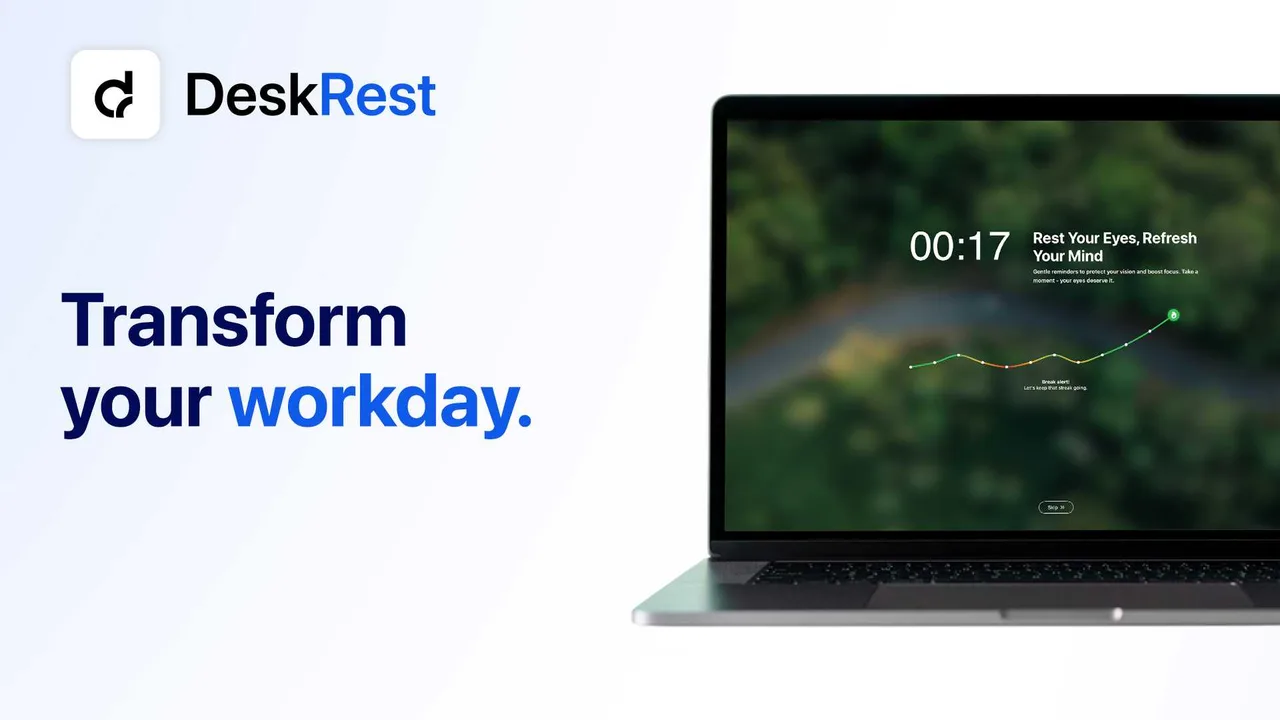
Breaks that fit real work
Smart break rhythm
20-second micro-breaks for your eyes and 3-minute movement breaks for your body — intervals, lengths and behavior are customizable.
Break commitment modes
Choose how firm a break should be — up to a locked screen (added in v1.18.0) for the breaks you don't want to let yourself skip.
Custom exercises
Build unlimited DeskRest exercises of your own — neck rolls, eye drills, stretches — and assign different sets to short and long breaks.
Context awareness
Call & meeting detection
Video calls in Zoom, Meet, Teams and even Arc are detected automatically; breaks hold until you hang up. Since v1.19.0 you can whitelist apps, too.
Focus Filters
macOS Focus modes plug straight in (v1.17.0): configure exactly how DeskRest behaves in Work, Personal or any custom Focus.
Idle & working-hours intelligence
Away from the keyboard? Breaks pause. Outside your per-day working hours (v1.16.0)? DeskRest stays silent.
Posture & habit building
Posture flash reminders
A subtle screen flash is the posture reminder for Mac users who don't want another notification — sit up straight, no break required.
Streaks & statistics
Daily streaks, break history and exportable logs make the habit visible — and watching a streak grow is surprisingly motivating.
Clock Out
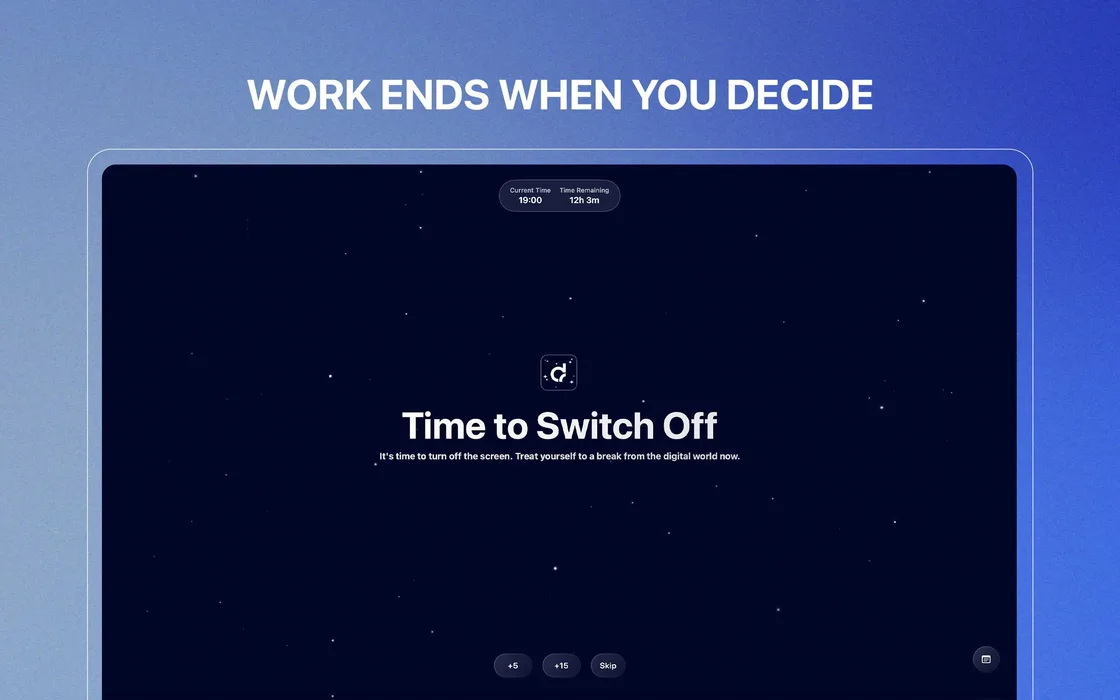
A firm end-of-day ritual with notes for tomorrow, so work actually ends when your working hours do.
Mac-native comfort
Menu bar control
Start and pause from the menu bar, skip from the break screen itself; a cursor-following countdown warns you before each break begins.
Shortcuts & Siri
Keyboard shortcuts plus Apple Shortcuts automation (expanded in v1.17.0) wire DeskRest into any workflow.
Personal touches
Custom backgrounds, audio cues and themes keep the break screen calm instead of clinical.
What people ask about the features
Does the posture reminder actually help?
The flash approach was born from the developer's own back problems — told first-hand in the founder's story on r/apple, which opens with his back giving out. Instead of a notification you'll dismiss, a brief flash interrupts your slouch reflex without interrupting your work.
How fast do new features arrive?
Ten releases shipped between December 2025 and May 2026 — about one every two weeks on average — including Focus Filters, the break lock screen, per-day working hours and video-detection whitelisting. The version history tracks every release, with the official GitHub channel as the primary source.
Is it heavy on the system?
It's a native menu bar app built for macOS 14.2+, not a web wrapper — and per the developer's privacy explainer, detection happens on your Mac. See Is DeskRest safe for the privacy details.