Hands-on review · tested on our own Mac · July 2026
DeskRest review: what daily use actually looks like
This DeskRest review is based on a real install: we put the app on our own Mac, sat through its break cycle, and screenshotted what it actually shows — not what the press kit promises. Short verdict: the break experience is the most polished we've seen in this category, posture nudges are genuinely useful, and $14.99 lifetime (with the 40% welcome code) is fair. It's not for everyone — the cons section below is real.
The break experience, screenshotted
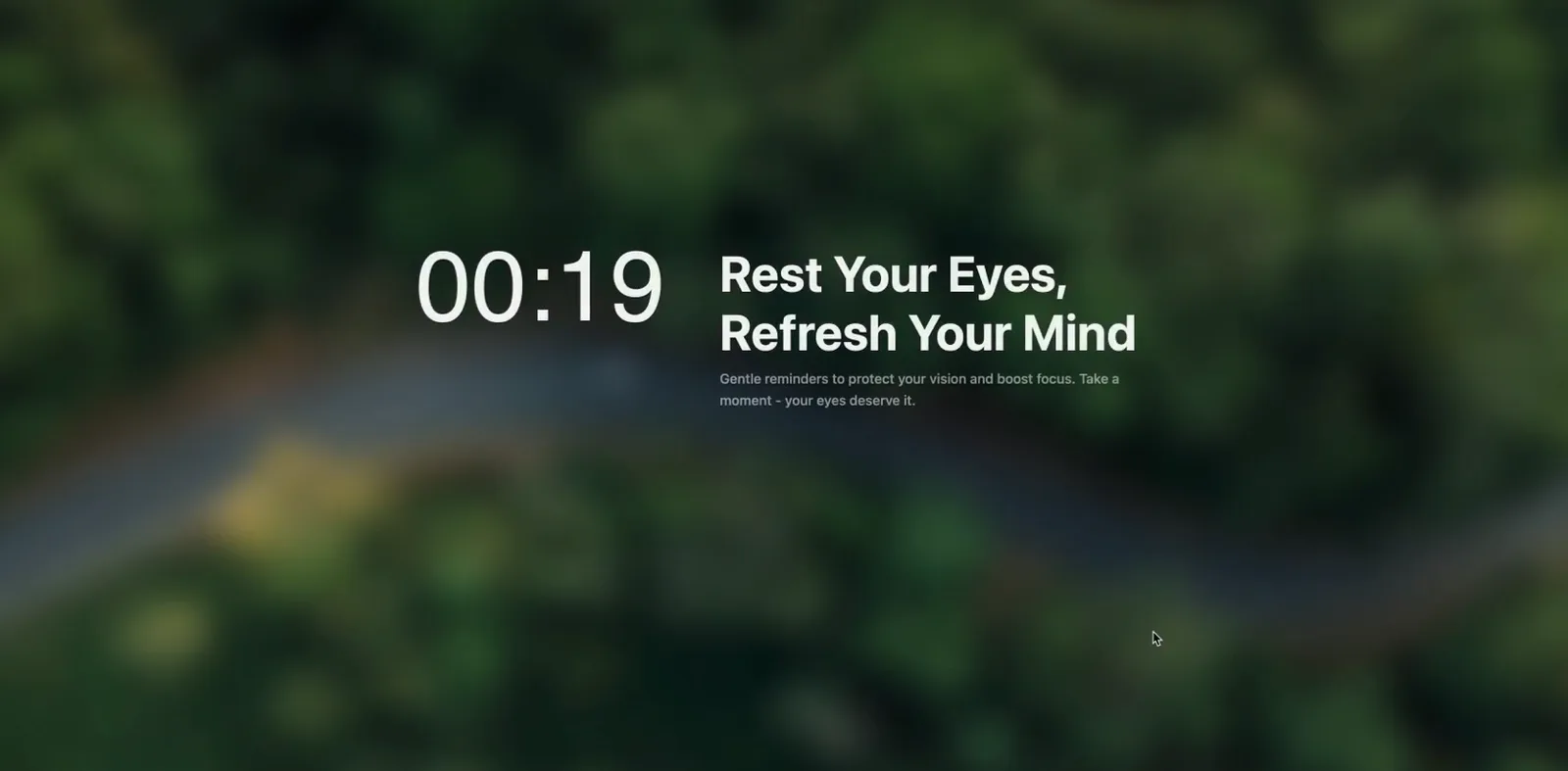
When a break starts, the app takes over the screen with a countdown and a calm, blurred backdrop — firm enough that you actually stop typing, gentle enough that it doesn't feel like a punishment:
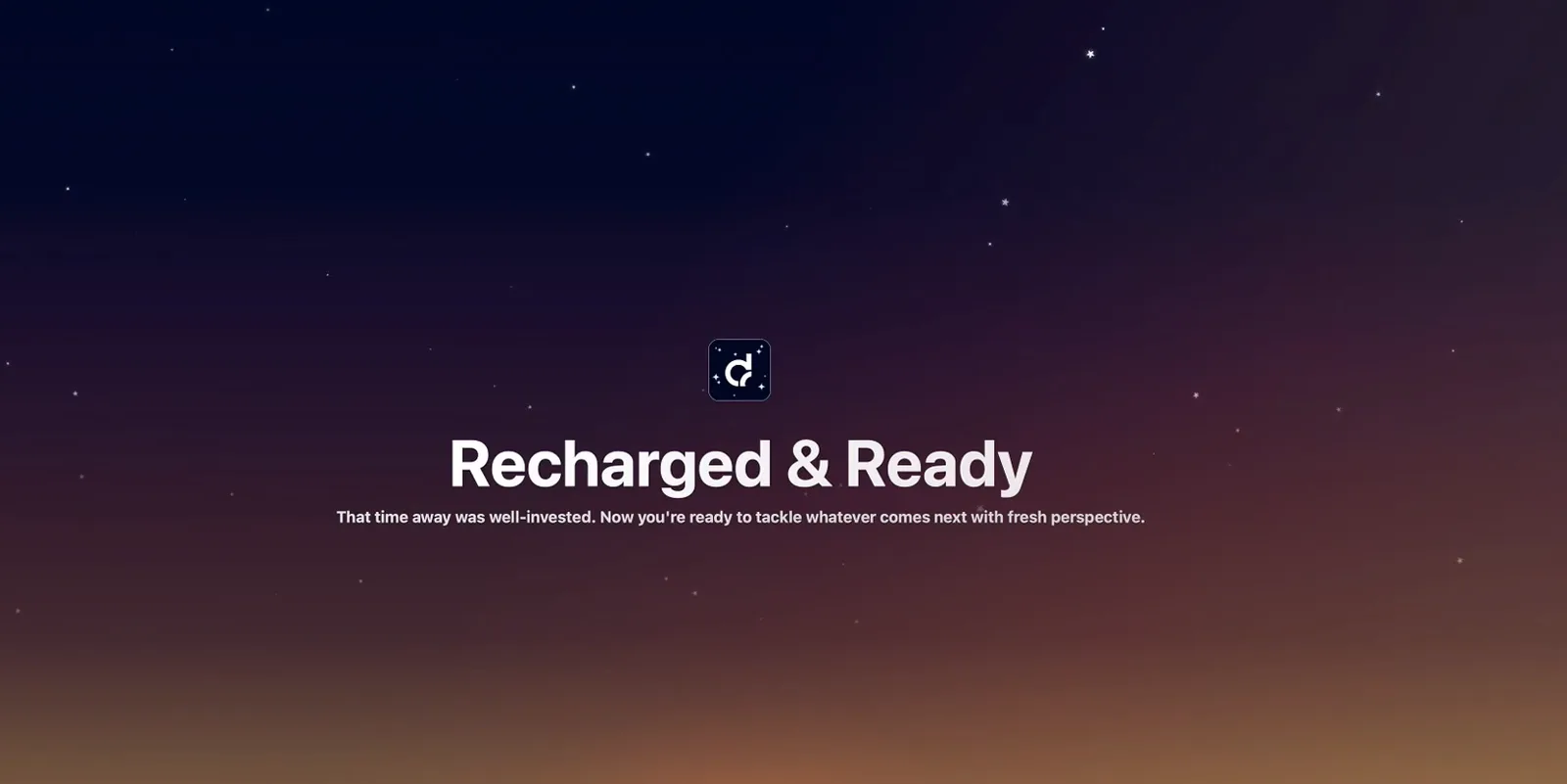
When the timer ends you get a deliberate moment of closure — a "Recharged & Ready" screen against a dusk sky — instead of being dumped back into your inbox mid-blink. It sounds cosmetic; even in a first session it's the detail that makes finishing a break feel like a win rather than an interruption ending:
What's good (pros)
- Break screens you don't resent. The full-screen overlay with countdown and nature backdrop makes a 20-second eye break feel intentional — it's clearly designed to stop you skipping breaks, which is the whole product, really.
- Posture nudges nothing else has. On a Mac, no rival in ouralternatives roundup coaches sitting habits.
- Honest pricing. One payment, from $14.99, lifetime updates — and an active developer, with 10 versions tracked in ourchangelog from the publicrelease notes.
- Respectful of the machine. Native menu-bar app, no account, works offline.
What's not (cons)
- macOS 14.2+ only. Older Macs and every Windows machine are out — see theWindows verdict.
- No trial. You buy on faith or start with a free rival first; we'd prefer a 7-day trial existed.
- Full-screen breaks demand buy-in. If your work is interrupt-driven (support, trading), even smart pausing won't make takeover overlays fit — a banner-style reminder app suits that life better.
- Young app. Shipping publicly since late 2024; the polish is there, but it doesn't have Time Out's decade of edge cases behind it.
Scores by dimension
| Dimension | Score | Note |
|---|---|---|
| Break experience | 9 / 10 | Best-in-class overlays; the screenshots above are typical |
| Posture features | 8 / 10 | Unique on Mac; nudges, not nagging |
| Value for money | 8 / 10 | $14.99 lifetime undercuts subscription rivals fast |
| Compatibility | 6 / 10 | macOS 14.2+ only — the biggest limiter |
| Track record | 7 / 10 | Fast, public release cadence; still a young app |
Scores are editorial opinion from our own testing — deliberately not marked up as rating schema.
Who should buy it
Desk-bound Mac users whose back or eyes are already complaining: this is the most complete single app for the job. Budget-first users should run Stretchlyinstead and upgrade only if the free experience doesn't stick. Setup takes about 10 minutes with ourtutorial.